
This is an old revision of the document!
Help
This page is a consolidation of Vaugiths notes on how to use the site.
Index
To access the site index:
https://sanpedrocact.us/doku.php?do=index
Images
To add images to a page:
Navigate to the media manager for the specific page you want to add images to. To get there, use the URL
https://sanpedrocact.us/doku.php?do=media&ns=
Plus the namespace for the page you want to add images to. We use an additional additive inside the namespace “media” before the last namespace page, for example:
clones:y:media:yogi
So the full URL for the media manager for Yogi would be:
https://sanpedrocact.us/doku.php?do=media&ns=clones:y:media:yogi
Next click on the upload tab and upload your images. To optimize, images are best saved around double the pixels they will be presented at wide (standard page width is 800px), 72 ppi, .webp format, quality scaled to get the image file size down to around 150KB, with a name that makes sense. This is fairly compressed but the image will look perfect on the page once loaded.
Now go to edit the page you want to add the image to. To add the image, use the namespace of the image plus the image file name wrapped in double curly brackets, for example
{{clones:y:media:yogi:yogi1.webp}}
If you forget the file name or location you can get it inside the media manager.
There are various modifiers you can use to the image.
To wrap the image in a border and add a caption in with it, use wrap.
<WRAP>\\ {{cultivation:soil:soil.webp}}\\ //Example caption//\\ </WRAP>
To make the image only half the page and allow text to continue on the other half, add the following pixel modifiers to make it 400 px wide:
<WRAP right 400px>\\ {{cultivation:soil:soil.webp?400}}\\ //Example caption//\\ </WRAP>
To give no hover-over hyperlink on the image and when clicked have the image link to a full size photo, use the following modifier:
{{cultivation:soil:soil.webp?direct| }}
To apply multiple modifiers use the amperstand symbol:
{{cultivation:soil:soil.webp?400&direct| }}
So to put that all together into a wrapped captioned half page image with no hyperlink that links directly to a fullsize image when clicked, we would use:
<codei>
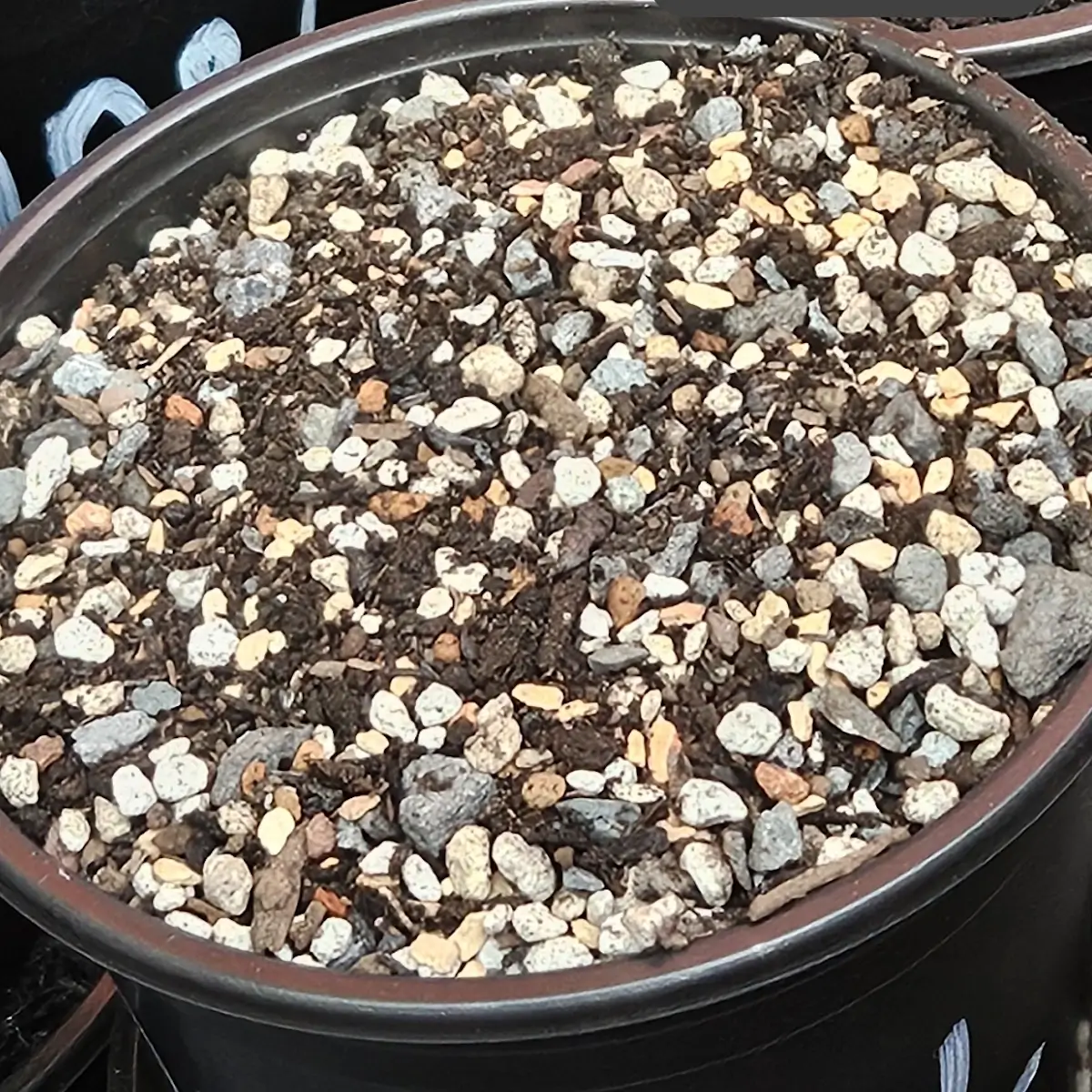 Example of a high quality soil mix for Trichos
</code>